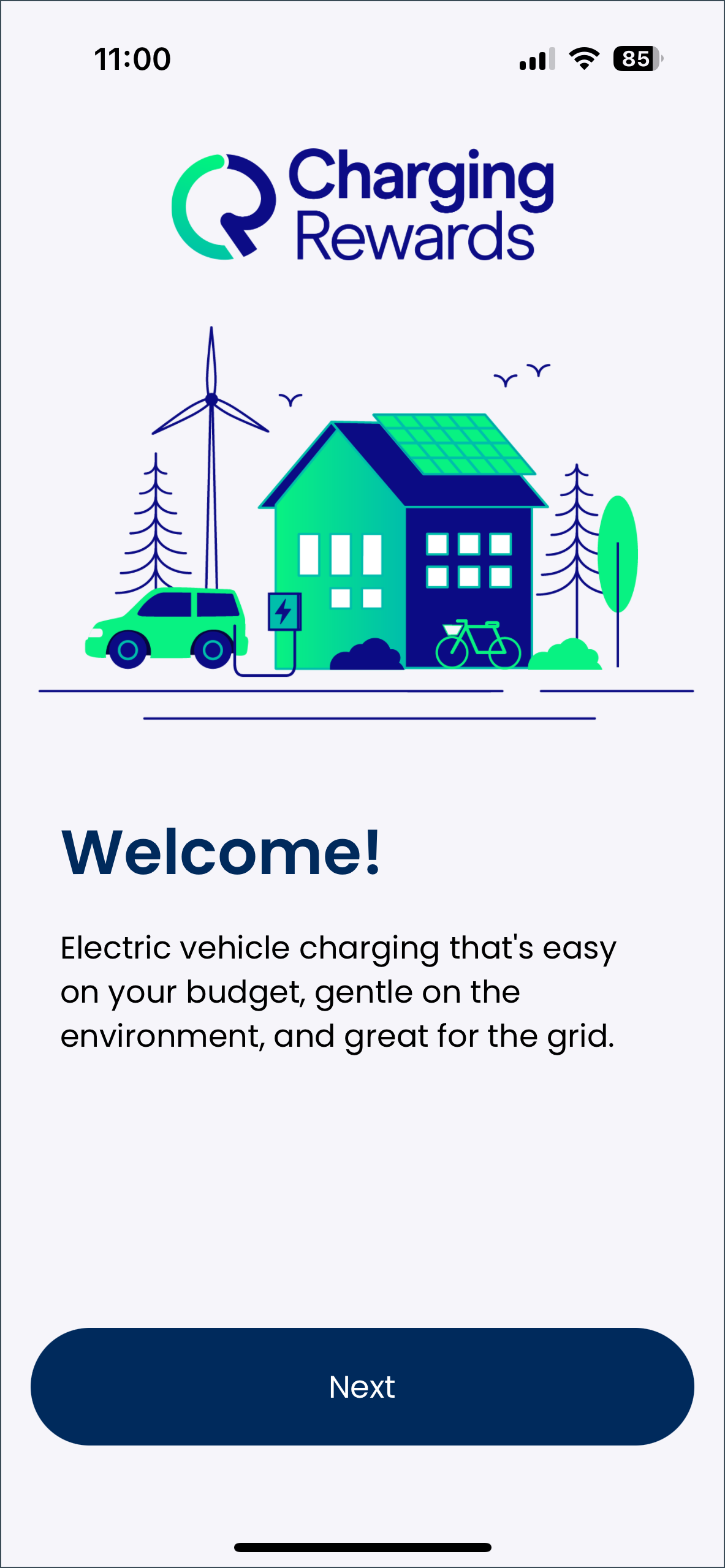
Follow the steps below to log in to the ChargingRewards app:
- Upon opening the app for the first time, you will be prompted to log in by clicking "Next".
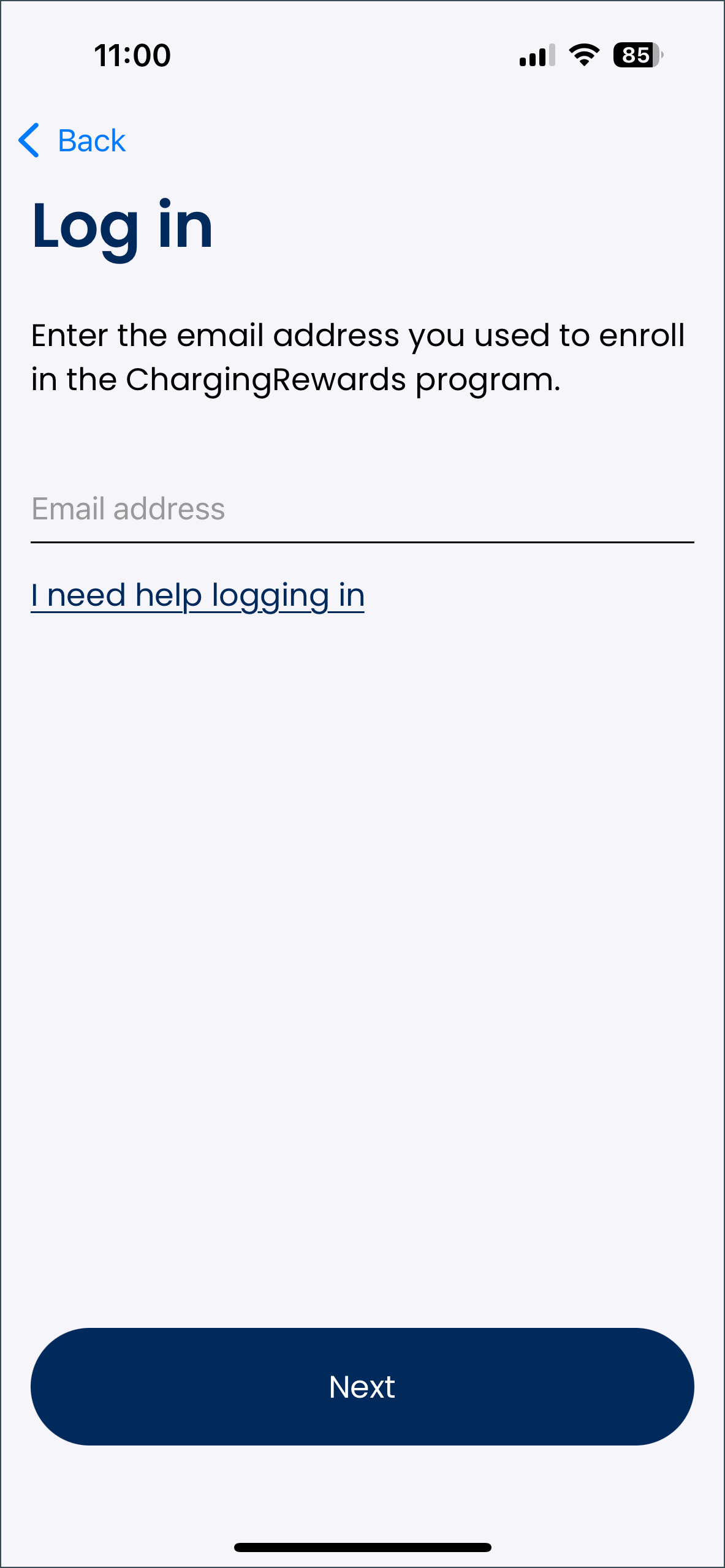
- Enter the email address you provided when enrolling in the managed charging program. You will receive an error message if the email address you enter does not match the email address you used to enroll.
- Select "Next" once you are ready to proceed to the next step.
- If you have any issues logging in, or have questions about the process, you can select I need help logging in below the email address field.
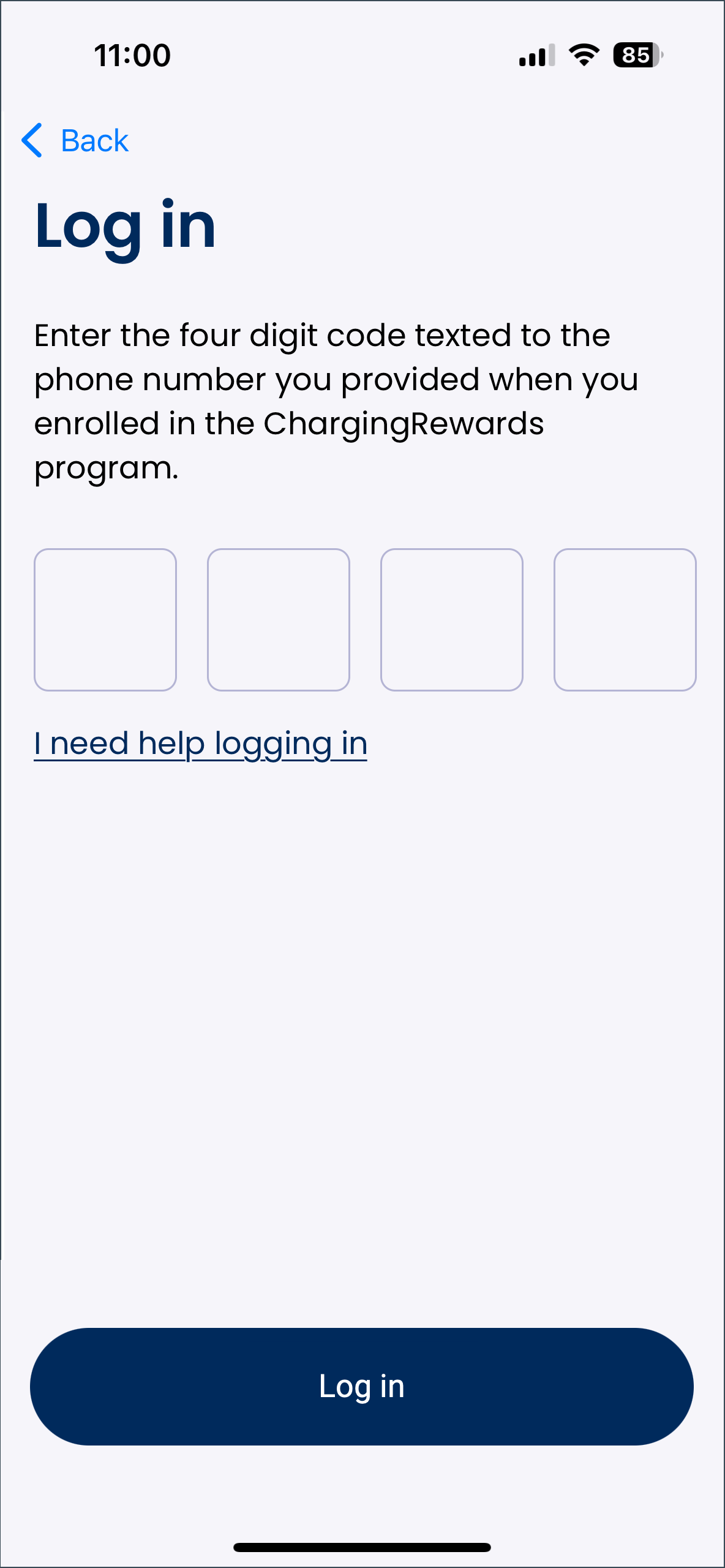
- If you have any issues logging in, or have questions about the process, you can select I need help logging in below the email address field.
- Once your email address has been verified, you will receive a four-digit code texted to the phone number you provided when enrolling in the managed charging program. Enter this four-digit code in the app and click "Log in".
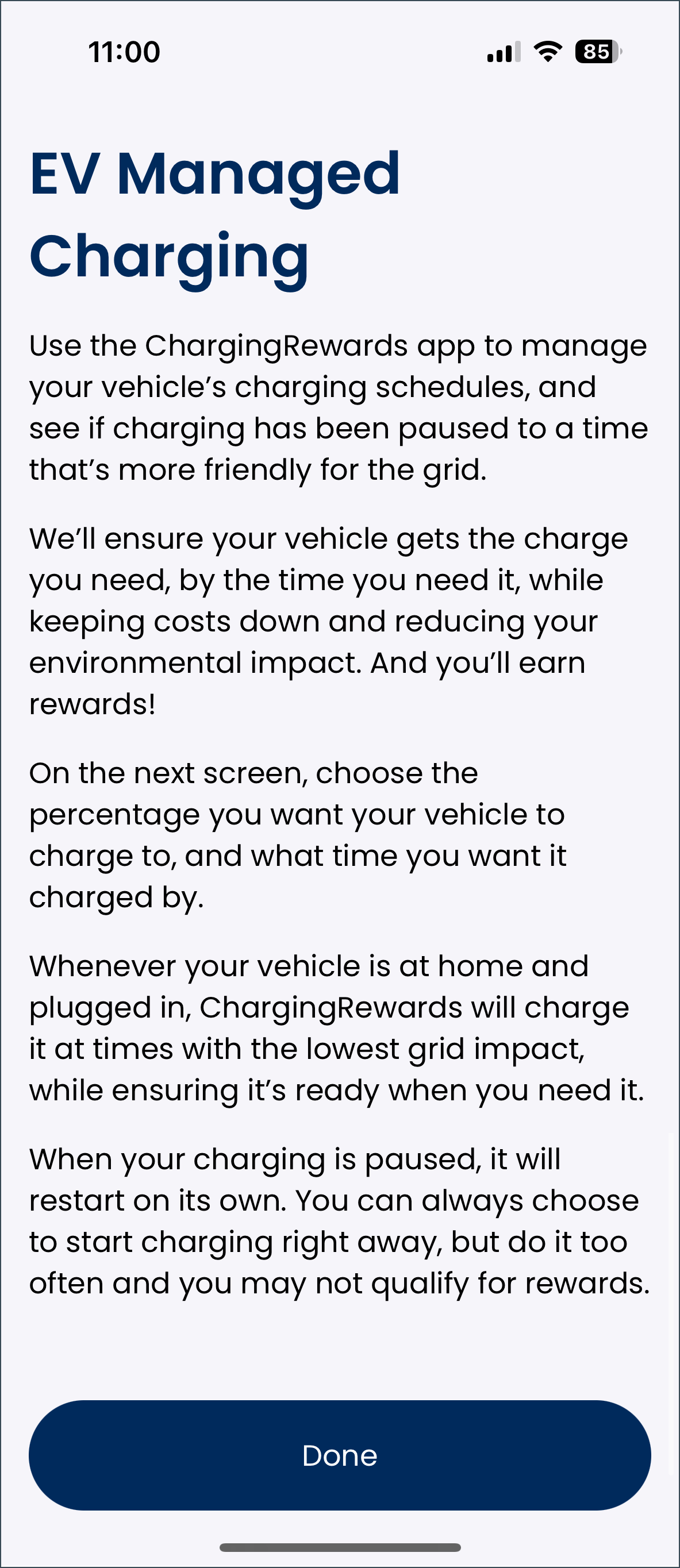
- Review the the ChargingRewards app's information regarding its purpose and how to use it, as well as any program-specific information your utility may have provided. Once finished, click "Done" to progress to the home screen and access your user account in the app.