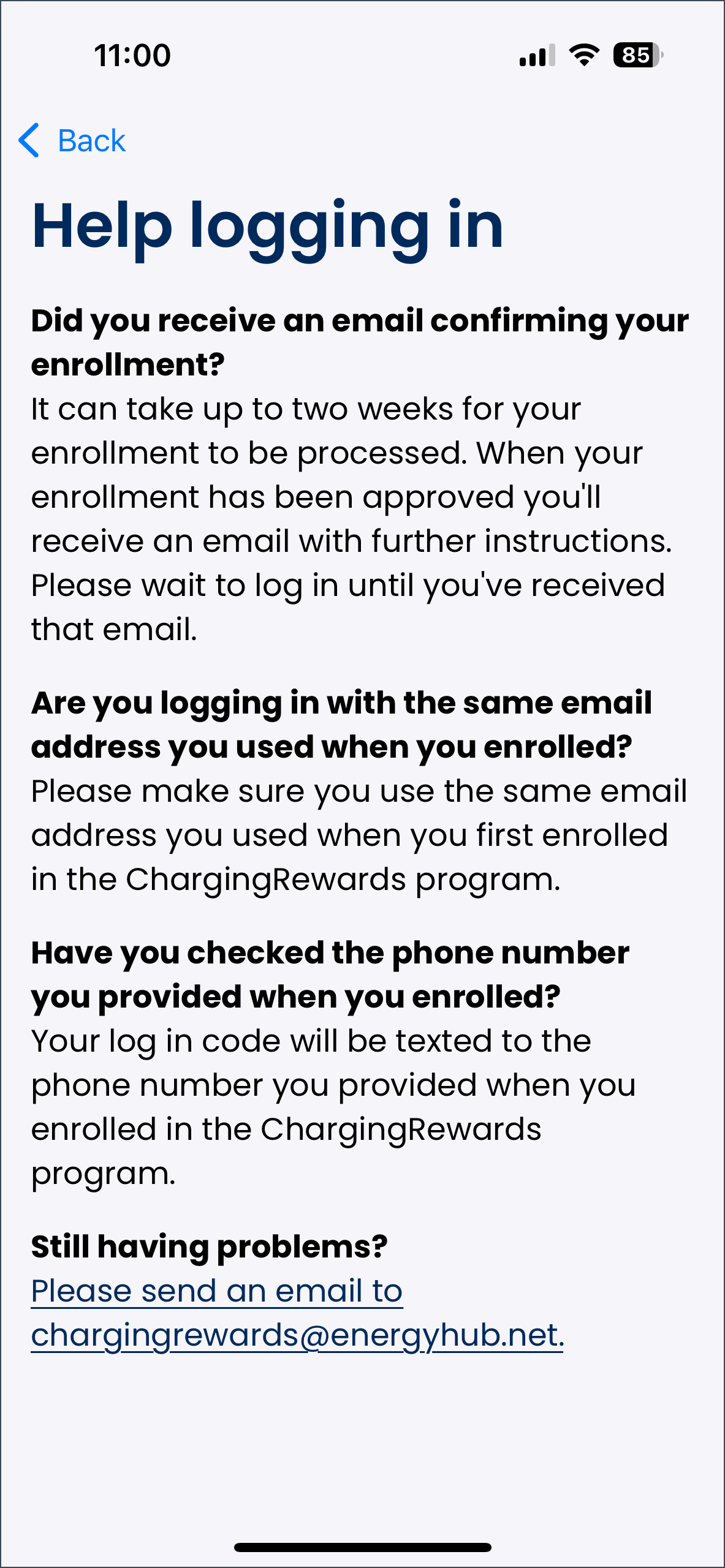
If the driver selects “I need help logging in” during the login process, the help logging in screen will display. This provides a few common troubleshooting tips, such as:
- Ensure they have received an email confirming their enrollment. They will not be able to log in to the app until their enrollment application has been approved by their utility, at which point they will receive further instructions.
- Ensure they are using the same email address they used when enrolling in the charging program.
- Ensure they are using the same phone number they provided when enrolling in the charging program.
The driver can email chargingrewards@energyhub.net if they experience any further difficulties.
To return to the app's login process, select the "back" button at the top left of the screen.