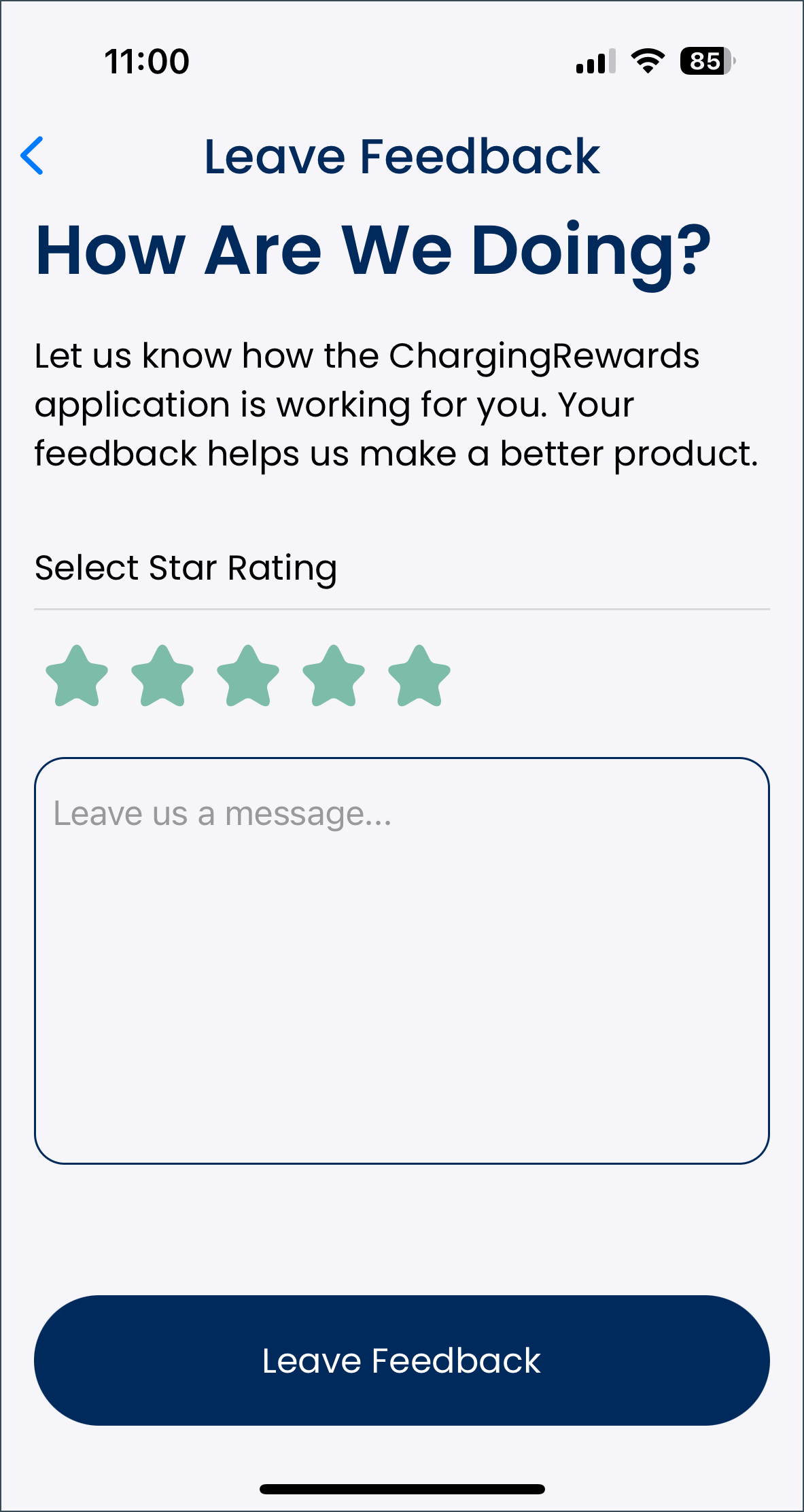
The leave feedback screen opens when the driver selects “Leave feedback” on the user account screen. Here they rate the ChargingRewards app from one to five stars, one being the worst and five being the best. They can also leave more detailed feedback in the message box, explaining their rating and what they do or do not like about the app.
Once finished, they select “leave feedback” at the bottom of the screen to submit their feedback. The app will then return to the user account screen.
The driver can select the arrow at the top left of the screen to return to the user account screen without leaving any feedback.