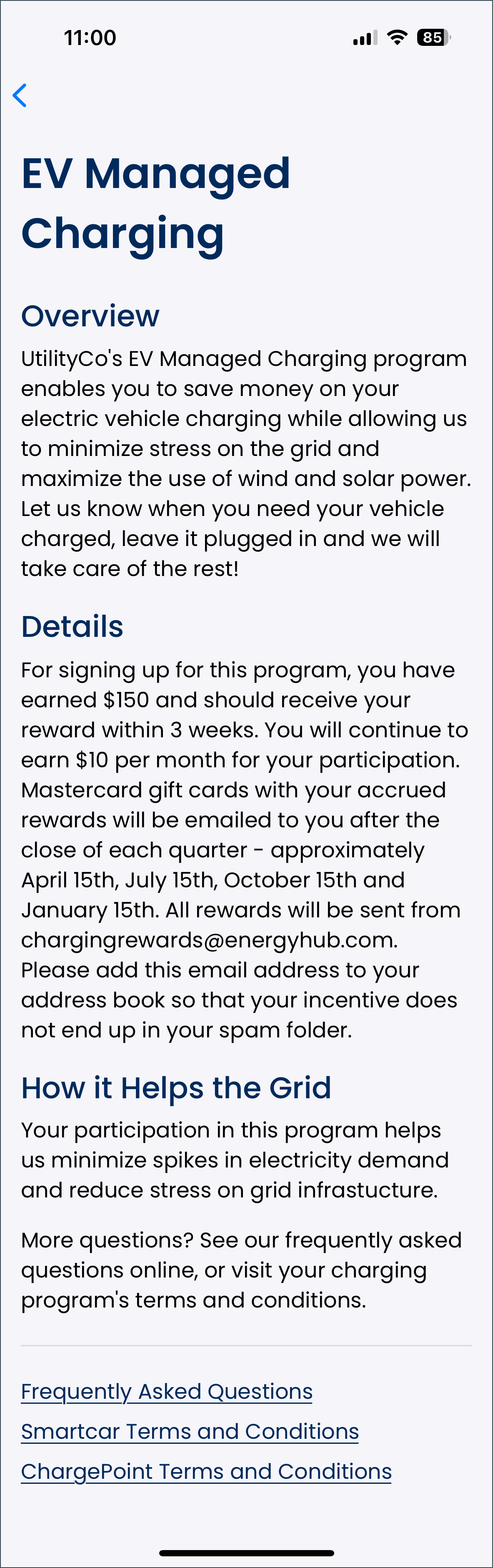
To see information about the managed charging program, the driver selects the “About ChargingRewards” button on the user account screen. This opens the EV managed charging screen, which provides an overview of the program's benefits to the environment and the energy grid, and the incentive the driver will receive for participating. It also includes a link to the frequently asked questions page on the ChargingRewards website, along with any other program-specific or device-specific Terms and Conditions.
Selecting the arrow at the top left of the screen returns the driver to the user account screen.